Parking Guidance Solutions
Why EV Charging Isn’t Just About Installing More Chargers
As electric vehicle (EV) adoption continues to accelerate, parking operators are investing heavily in the necessary...




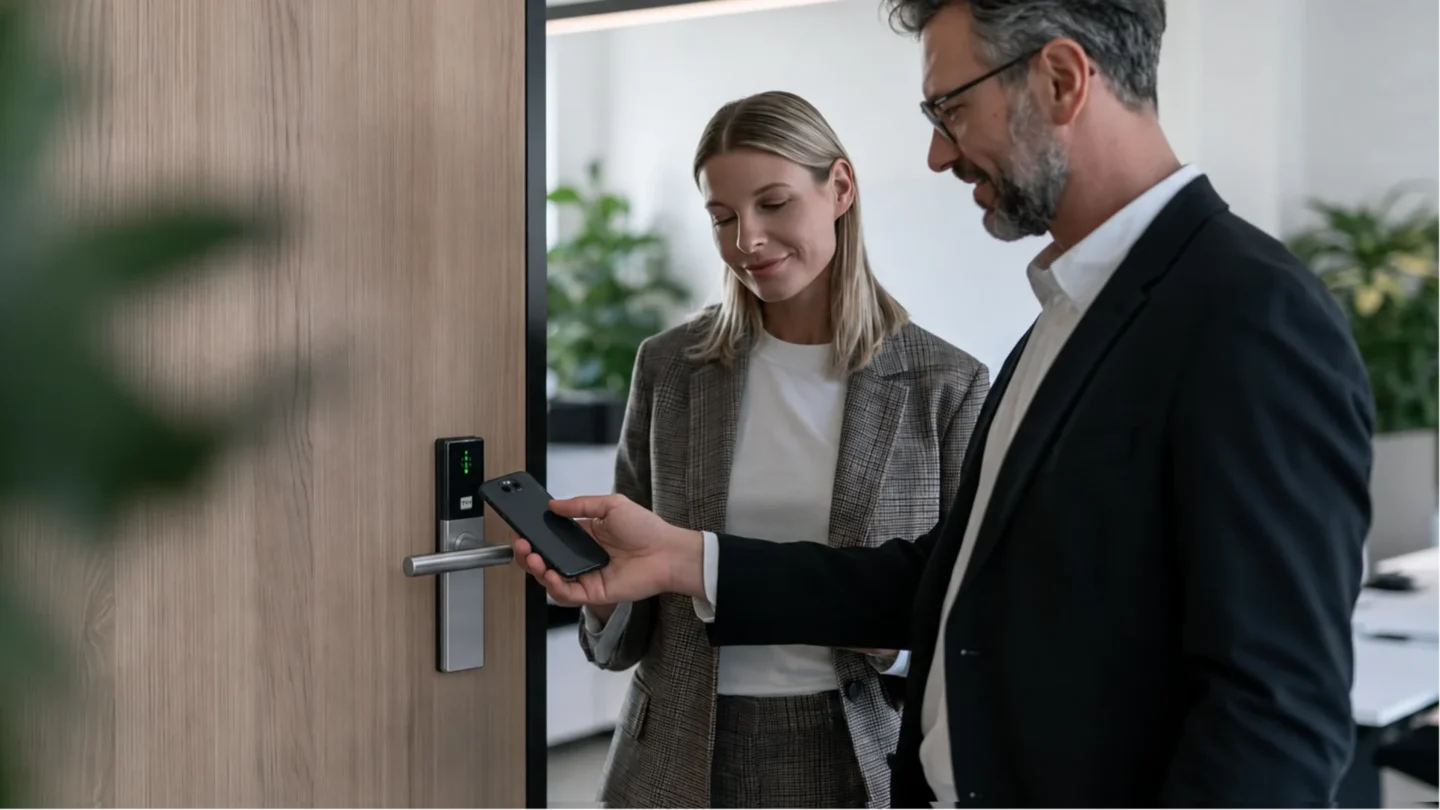
Mobile access control is a system in which the credential that opens a door is held on a smartphone rather than on a card, fob or mechanical key. The credential is issued and withdrawn centrally from software, so a person can be given access to specific doors for a specific period without anyone handing over a physical object. The same credential is also called a mobile credential or a digital key.
A mobile access control system has three parts, and it is worth naming them separately before going further.
The credential is data. It proves who the holder is and what they are allowed to open. On a card it sits in a chip; in mobile access control it sits in an app, a wallet pass or a code on the phone, or on a tablet or smartwatch where the platform supports it.
The reader or lock is the device on the door that receives the credential. It may be a reader wired beside the door, or a battery-powered wireless lock with the reader, which can take the form of a handle, a cylinder or another fitting depending on the door.
The platform is the software where an administrator defines who may open what, and where access events are recorded. It is usually reached through a browser.
Each of those three can be built in more than one way, and the combination determines how the system behaves on a bad day.
A mobile access control system does four things in sequence: it puts a credential on a phone, the phone presents it at a door, something decides whether to open, and the event is recorded. Each of those steps can be built in more than one way, and the choices made there are what separate one system from another.
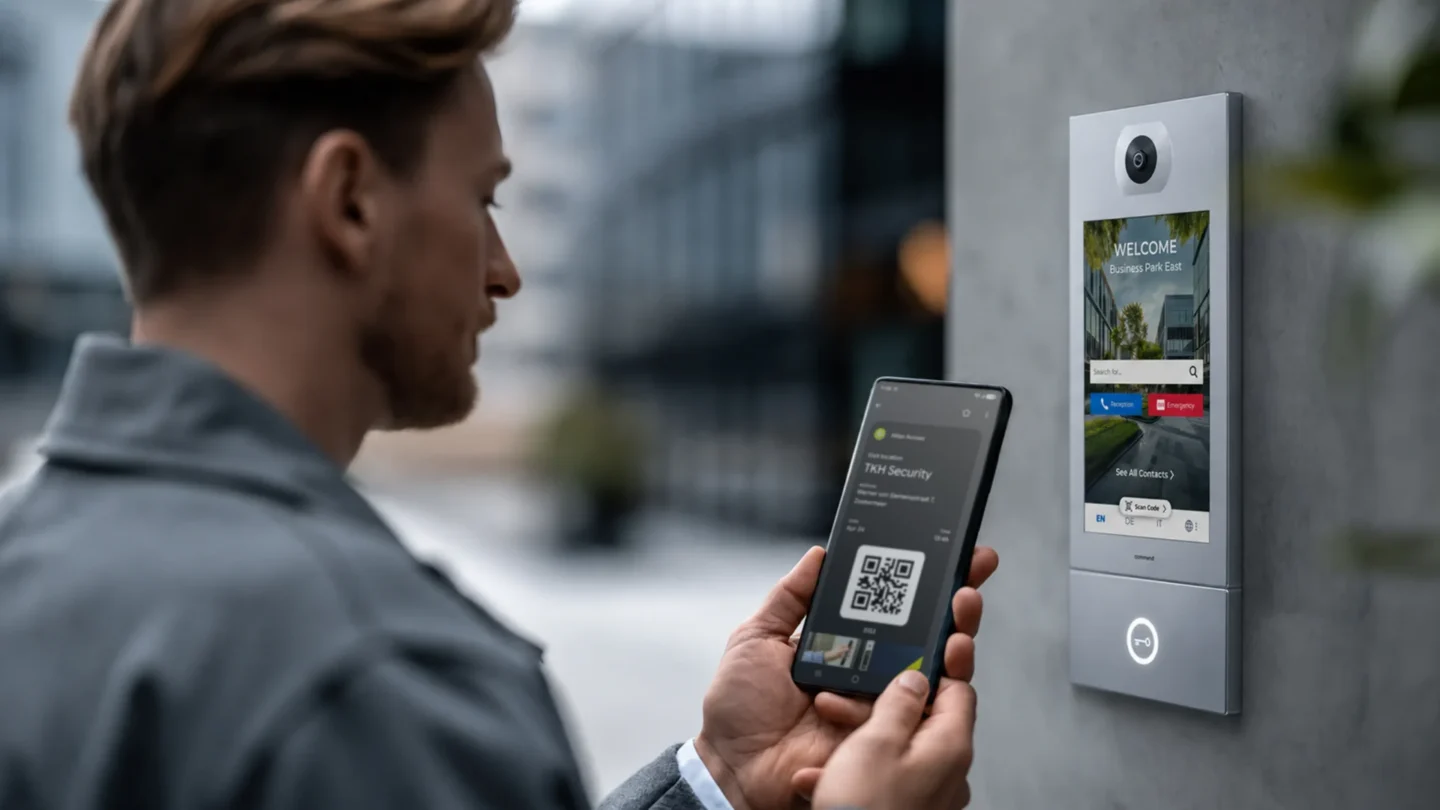
The credential arrives by invitation, and there is more than one way to deliver it. For people who use a building regularly, it is usually an app: the person installs it, signs in with their existing work account, and the credential is provisioned to that device. For occasional users, it can be a QR code, delivered to the phone's wallet or sent as a link by email or text, which avoids downloading an app altogether. A PIN is a further option where the door has a keypad or an intercom, and it reaches the person as a number rather than as anything on the phone.
Some systems limit a user to one active device. That is a deliberate restriction rather than a technical one, since a credential sitting on several phones at once is a credential that can be lent. Moving to a new phone is normally self-service: the user signs in on the new device and the credential is reissued there, which withdraws it from the old one.
On the ATLAS platform an employee adds access to their own phone using their Microsoft account, the app and a QR code, in well under a minute.
From the user's point of view, the interaction is usually unremarkable. In one mode the app runs in the background, so the door opens as the person presents the phone, with nothing to open or select. In another the user wakes the phone screen first, and the app responds without being opened. Both are in normal use, but they are not equally secure. Where the app answers from the background, the phone's own PIN or biometrics are not checked at the door, so a phone that someone else is holding will still open it. That is worth weighing when deciding which mode to run.
Underneath, two short-range technologies carry the credential from the phone to the door, and systems differ in which they use.
Bluetooth Low Energy (BLE) works at a distance rather than on contact, which is what makes hands-free unlocking possible. Suppliers quote very different working ranges, from a few centimeters to a few meters, because the range is configurable, so it is worth asking what a particular reader is set to. It also has to be tuned: a door that opens when someone walks past on the other side of a wall is a problem rather than a feature, and misconfiguration is a recognized cause of accidental unlocks.
NFC works only on contact or within a few centimeters, so the user brings the phone to the reader. It is quick and hard to trigger by accident, and it behaves much like a contactless card. It also draws very little power, from the phone and from the lock, which matters in a building full of battery-powered locks.
Some systems support more than one of these, so that a credential can still be presented if one route is unavailable.
ATLAS uses both BLE and NFC for the credentials. NFC also appears in a different role during installation, where an NFC card is used to wake up a new lock before it is added to the system.
A mobile credential is protected by two things the building does not have to provide.
The first is the phone itself. Where the user wakes the screen before presenting the phone, the credential cannot be used until they have passed the device's own PIN, fingerprint or face recognition. That means two things are checked rather than one, the phone and the person holding it, and the building does not have to pay for the second check because the phone already does it. That is the reason a found phone is far less useful to a stranger than a found card. Where the app answers from the background, that check does not happen at the door. For high-security areas such as server rooms or laboratories, the usual recommendation is to require a second check such as a PIN, so that a stolen or unlocked phone is not enough on its own to get in.
The second is encryption. The credential is encrypted where it is stored and while it travels to the reader, which is what makes copying it impractical. An older unencrypted card, by contrast, can often be copied with inexpensive equipment.
This is the most consequential design choice in the whole system, and it is invisible until something fails.
A controller in the building decides. Permissions sit on a controller on site, which answers the reader. Doors keep working if the internet drops. The management software is often in the cloud, but it manages the system rather than deciding each entry.
The cloud decides each entry. The reader sends the request to the platform and waits for an answer before releasing the door. Some systems can route that request over the phone's mobile data rather than the building's internet connection, so an outage on site does not necessarily stop the door opening.
The credential carries the rights. The access rights travel on the credential itself, the lock reads them and decides without any connection, and events are collected afterwards. This is the model behind OSS Standard Offline, a multi-vendor standard for writing access rights onto a card (data on card), which ATLAS follows through the mobile app, and with cards where a second credential is needed.
| Mobile credential | Key card | Key fob | QR code | PIN code | Biometrics | |
|---|---|---|---|---|---|---|
| How it is issued | Sent by invitation, enrolled by the user on their own phone | Encoded and handed over in person | Encoded and handed over in person | Sent as a link or an image, saved to the phone’s wallet | Told to the person, or sent in a message | Recorded once in person, at enrollment |
| How it is revoked | Withdrawn centrally; stops working on the device as soon as it connects | Deleted centrally if the system is online; otherwise collected or blacklisted | Same as a card | Withdrawn centrally, or expires on its own at a set time | Must be changed, which affects everyone who knows it | Deleted centrally |
| If it is lost | Whoever finds the phone must unlock it first, unless the app answers from the background | Usable by whoever finds it until it is reported | Usable by whoever finds it until it is reported | Whoever holds the image can use it until it expires or is withdrawn | Nothing to lose; the risk is sharing | Cannot be lost |
| Can it be copied | Encrypted in storage and in transit, so cloning is impractical | An older unencrypted card can be cloned with inexpensive equipment | Same as a card | The image can be photographed or forwarded | Nothing to copy; the risk is sharing | Not copied in normal use |
| Can it be lent | Not in practice; the phone goes with the person | Easily, and without trace | Easily, and without trace | Easily, by forwarding the image | Easily, by saying it out loud | No |
| Ongoing cost | No physical item to reissue | A new card each time one is lost or a person joins | A new fob each time | None | None | Reader hardware costs more per door |
| Works without network | Yes, where the credential carries the rights | Yes, where the credential carries the rights | Yes, where the credential carries the rights | Needs a screen on the phone and a camera at the door | Yes, at an offline keypad | Depends on the reader |
Three honest points come out of that table.
A card is trivially lent to a colleague and a phone is not. That is a behavioral difference rather than a technical one, and it is the single largest practical security gain from moving to mobile credentials. People share cards to be helpful. They do not hand over the device that holds their messages and their banking.
A card costs money every time it is reissued, and the cost is mostly labor rather than plastic. There is an environmental version of the same point, since a building that stops issuing cards stops producing the plastic that goes with them. A PIN is the weakest of the group, because it spreads verbally, leaves no trace when it does, and can only be withdrawn by changing it for everybody.
Smartphone is not better in every dimension. A card does not require an employee to own a smartphone or to agree to install anything. Any building moving to mobile credentials still needs a second credential type for the people who cannot or will not use a phone.
Most access control systems are accurate on the day they are configured and drift from then on. Someone joins and waits two days for a card. Someone moves from one department to another and keeps the access they had before, because nobody removed it. Someone leaves, and their card stays valid until a manager remembers to collect it. None of this is negligence. It happens because the access system holds its own separate list of people, and that list only matches reality when a human updates it.
Directory-driven provisioning removes the human step. The access platform reads from the identity directory the organization already uses for email and application logins, commonly Microsoft Entra ID. A new employee appears in the access system because they appear in the directory. A leaver loses building access at the moment their account is disabled, with no separate request to a second team.
Two details matter in practice. A user's access is the combination of every group they belong to, so moving someone between groups changes their access without anything being edited door by door. And how quickly a change reaches the doors depends on how the directory connection was set up, so it is worth establishing the expected delay with a supplier rather than assuming it is instant. With Entra ID, the mobile app is updated when the user has an internet connection.
The same convergence has a second consequence. Once one directory governs both the building and the software, the phone can carry more than the door: the same device that opens the entrance can authenticate a network login or an application, which is why mobile credentials are often discussed as part of identity rather than as a security accessory.
The effect on administration is larger than it sounds. On a cloud-based access control platform, granting a contractor access to specific doors takes under a minute, and updating an employee’s rights takes effect immediately. Everyone who is not in the directory, which means contractors, cleaners, suppliers and visitors, is created directly in the platform, normally with an expiry date attached at the point of creation so the access removes itself.
Directory synchronization handles employees well. It does nothing for the people who need to get into a building without ever appearing in an HR system, and this is where access control often breaks down in daily use.
The problem is that the administrator is the bottleneck, and the administrator is the wrong person. The person who knows that a supplier is arriving at seven is the store manager. The person who knows the cleaning company has swapped two staff this week is the facility manager. Routing every one of those changes through a central administrator adds a delay to something that is usually needed within the hour.
Credential delegation solves this by moving the act of sharing to the person who has the context. An administrator designates certain users as owners of a user group and allocates them a number of credentials. Those owners can then share that group’s access profile from their own phone, using whatever channel both parties already use, without the administrator being involved in each instance.
What stays with the administrator is the part that matters for control: the cap on how many credentials an owner may share, the audit trail of who opened which door, and the ability to withdraw everything at once. Delegation distributes the work without distributing the oversight.
On ATLAS this is called credential sharing, and it is available in the app to the owner of a group, or to any user the administrator has assigned that right. The assigned person shares the access profile of that group, through the ATLAS app, email, AirDrop, WhatsApp, or any other messaging app. The number of people they can share with is unlimited by default and can be capped by the administrator. In retail the chain runs from the property manager, who allocates a defined number of credentials to each store manager through the web portal, and the store manager shares them with staff, suppliers and cleaning teams, withdrawing them the same way when someone leaves.
| Situation | What happens | What the administrator does | What to design in advance |
|---|---|---|---|
| Phone lost or stolen | The credential sits behind the phone's own lock screen, so finding the device does not open a door, unless the app answers from the background | Withdraws the credential centrally; it stops working on that device as soon as the phone connects to the internet, and a replacement is issued to the new phone | Accept that a phone kept offline keeps its credential until it connects, which is why the device’s own PIN or biometrics are part of the security model, unless the app answers from the background |
| Phone battery runs out | The person cannot present a mobile credential at all | Nothing | A second credential type, chosen before rollout |
| No internet connection | Depends on where the decision is made. A controller in the building and a credential carrying the rights both work normally. Only a cloud decision needs a connection | Nothing; events upload when the connection returns | Confirm with the supplier which doors decide without the platform, and which need it to answer |
| Lock battery runs low | The lock reports its status to the platform through the app each time someone uses that door | Schedules a battery replacement before the lock stops working | A system that reports lock battery status, so replacement is planned rather than reactive |
| No smartphone, or the employee cannot or will not use the app | No mobile credential is possible for that person | Issues a card instead | A second credential type from day one, for people without a suitable phone and for those who prefer not to install an employer's app |
Two of those rows deserve a sentence more.
A fallback credential must be a design decision, not an improvisation. The question is not only what opens the door when a phone cannot, but whether that fallback works at every door or only at some. On ATLAS a card works at any lock, and entrances fitted with an intercom can also accept a PIN or a QR code, which gives a visitor a route in without installing anything.
Revocation reaches the smartphone, not the lock. Where the locks are offline and credentials carry the rights, withdrawing a credential does not require touching every door. The cancellation goes to the phone, and the app stops working as soon as that device has a connection. This is why a system built this way can be both offline at the door and quick to revoke.
Staff resistance to phone-based credentials is usually not about technology. It is about the suspicion that installing an employer’s app on a personal device means being tracked.
What is recorded is which credential opened which door, and at what time. That is the same event a card system has always recorded. It produces an audit trail showing that a particular person entered a particular room at a particular moment.
What is not recorded is movement between doors, location anywhere outside the building, or anything else from the phone. A door event is a single point in time and space. It says nothing about where someone went afterwards.
These records are personal data under GDPR, which carries three obligations. The purpose of the processing has to be defined and stated. The retention period has to be set and documented rather than left indefinite. Access to the records has to be limited to people who need them for that stated purpose.
The one addition worth making beyond the legal minimum is to settle the question of attendance monitoring before the system goes live. Door events look like timekeeping data, and an organization that starts using them that way after the fact, without having said so, turns a quiet rollout into a dispute.
Eight questions decide whether a mobile access control rollout goes smoothly, and each is worth putting to a supplier in writing.
The honest answer is that this has to be checked case by case. It depends on many factors, which are specific to each technology provider.
The answer that matters is whether the platform supports your directory natively, which is the cleanest arrangement, or through an API connection to a third-party system. Either works. What you want to avoid is discovering that neither is available and that the user list has to be maintained separately.
Establish which fallback credential is supported, and whether it works at every door or only at some.
Ask where the access decision is made rather than whether the system works offline.
Two things decide this. If the platform reads from your directory, employee records appear automatically and nobody has to enter them by hand. And if employees can add the credential to their own phone, rather than an administrator doing it for each person, the work scales with the employees instead of with your team. If neither is true, then it matters: a couple of extra minutes per person becomes roughly a week of someone's time across a thousand employees.
The platform should show it centrally, so locks running low appear on a list before anyone is locked out. On ATLAS the lock passes its status through the app each time someone uses that door. Without central reporting, the first sign of a flat lock is a door that will not open, which makes maintenance reactive in a building that may have hundreds of them.
Export determines whether you can keep a longer history than the platform retains, and what you can take with you if you change supplier.
Multi-site management is a different requirement from single-site, covering shared user groups across locations, permissions that differ per building, and one place to see events from all of them. It is easier to specify at the start than to add later, so it is worth raising even if you currently have one building and expect to have more.
As electric vehicle (EV) adoption continues to accelerate, parking operators are investing heavily in the necessary...

Buying access control used to mean a capital project: a server, controller cabinets in a riser, cabling to every door,...
Healthcare facilities have always been places of healing, compassion, and care. Yet in recent years, conversations...