Contact Us

Solutions

Get to know our Solutions

Search

Mobile Access Control

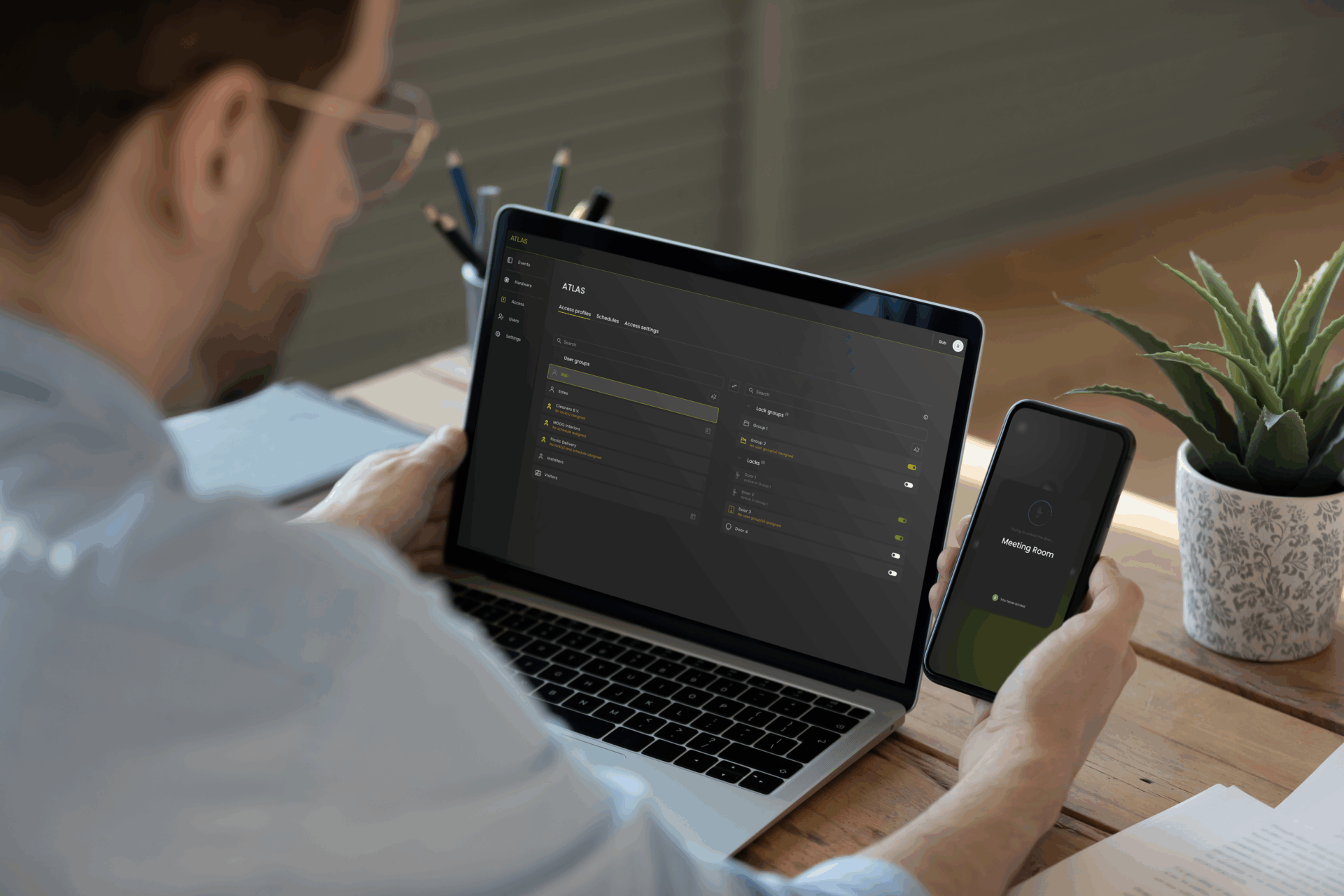
  • Seamless app experience, for all access methods & devices
  • Simply unlock your phone to open doors – ATLAS runs in the background
  • Share access via ATLAS app, AirDrop, WhatsApp or any other messaging app
  • No more physical keys or access cards

Flexible, Scalable & Secure Cloud Access Control

  • Instantly manage access for your employees, visitors, and contractors
  • User management updates via Entra ID & 3rd-party software reflect automatically in ATLAS
  • Employees manage their own access via Microsoft Account
  • Scale access demands and adapt as your business changes
  • Secure & hassle-free access through Single Sign-On to all your tools with just one login, reducing password risks and keeping your data protected
Access Without Local Infrastructure

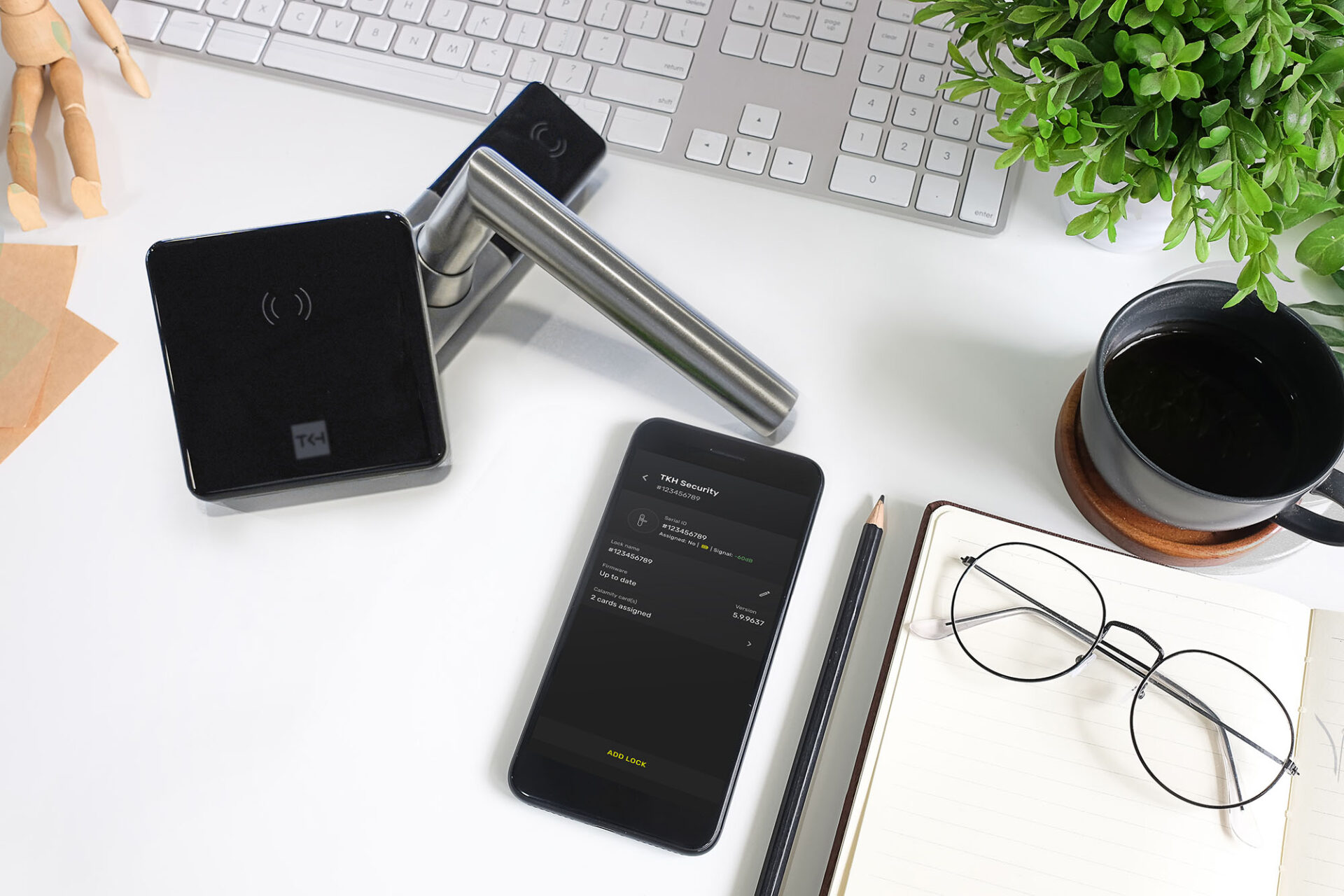
  • Only TKH lock on door, no additional infrastructure
  • Seamlessly add wireless TKH locks to ATLAS with just one click
Save Time with Our Cloud-Based
Access Control System

Less than 5 minutes

To set up ATLAS ready for use
* Based on 1000 users

Less than 60 seconds

To add a lock to ATLAS
Less than 60 seconds

To grant access to contractors and enable app usage
Less than 20 seconds

To invite visitors via Outlook and grant access for specific time and door
Less than 45 seconds

To add phone access by employees
Instantly

To update employees rights with digital key management

Unlock the Best Customer Journey in SaaS Digital Access

01.
02. 03. 04. 05. 06.
Onboarding

Straightforward Setup. Zero Tech Support Needed

Once you purchase ATLAS, you’ll be guided through a smooth setup. A welcome email with clear, step-by-step instructions will get you started right away. If your organization uses Microsoft ENTRA ID, you just need to be logged in, and after granting permissions with the second email, you’ll start the automatic sync of your users and data. Alternatively, you can integrate using your email with third-party user management tool, following the same simple steps with guided instructions.
ATLAS is designed for complete self-setup—no technical support needed.

01.
02. 03. 04. 05. 06.

Hassle-Free Lock Setup with One Click

Less Than 60 Seconds to Add a Lock to ATLAS

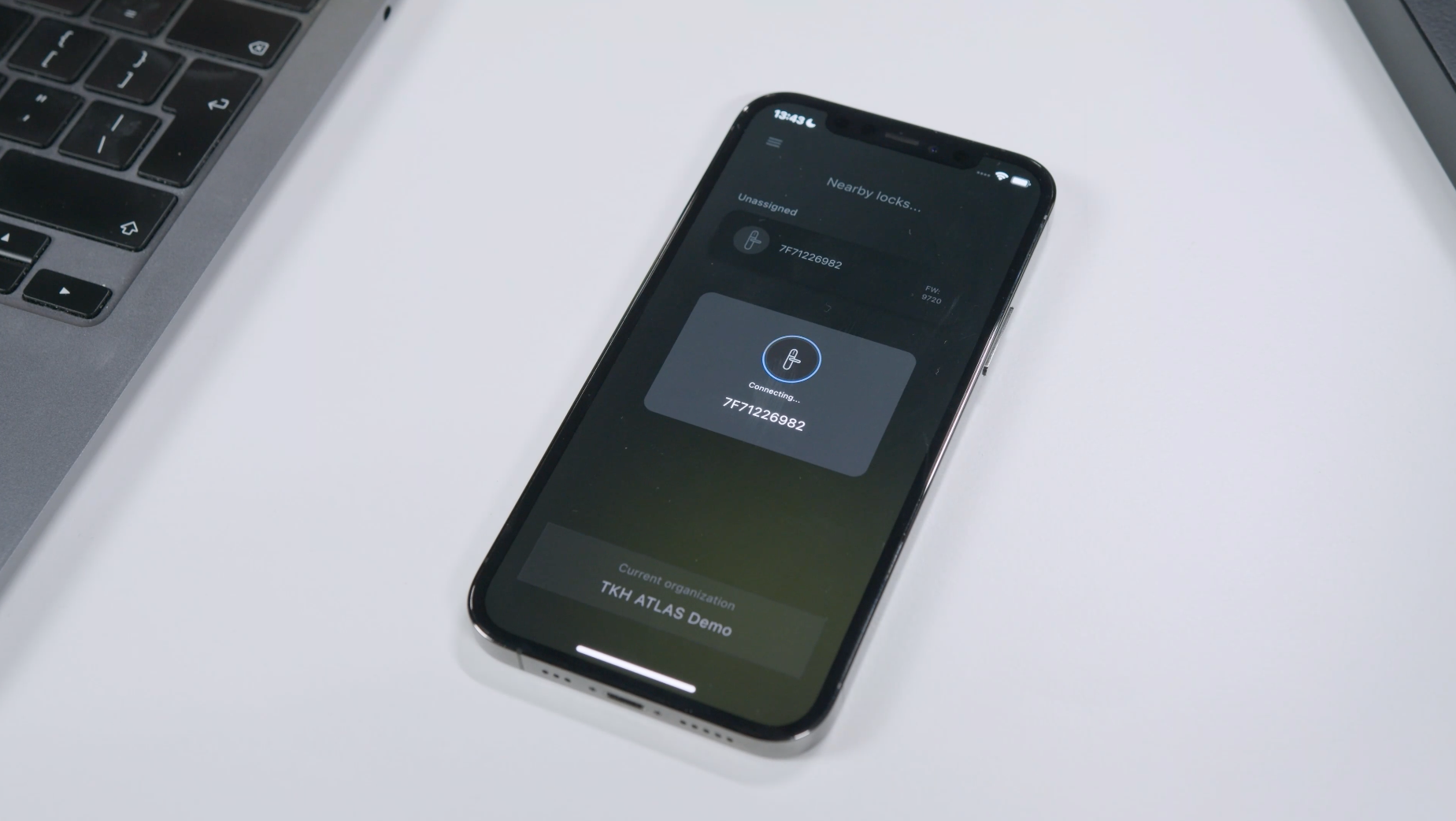
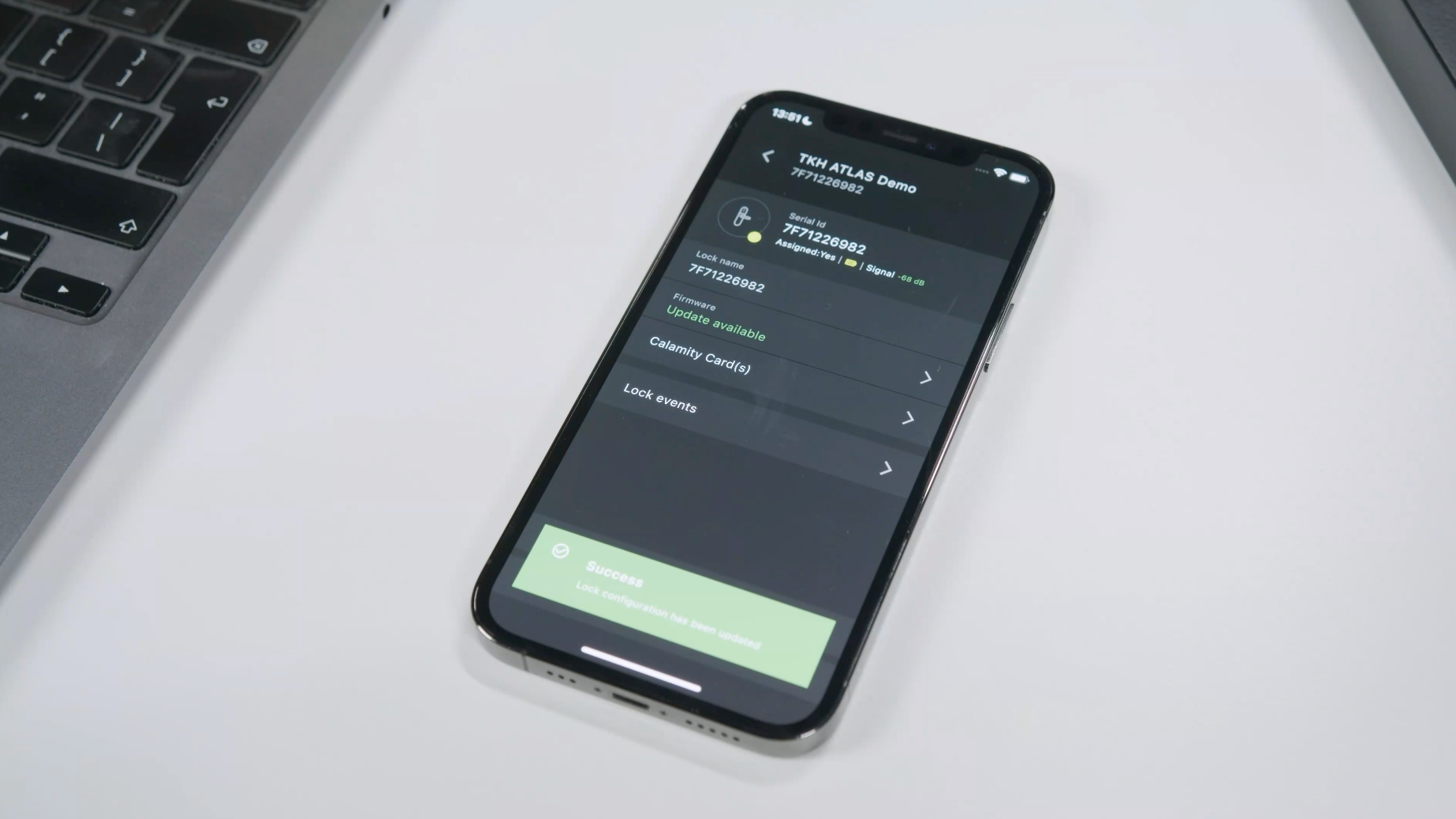
The second phase of the journey is the hardware setup. You start by adding a lock to ATLAS by waking it up using any NFC card. After that, you select the lock, and with a simple press of the ‘add lock to ATLAS’ button, the process is initiated. In less than 60 seconds, the lock is added to ATLAS! As you can see, this process requires no specialized training—any locksmith or installation company can easily perform it.

01.
02. 03. 04. 05. 06.

Efficiency Through Wireless Locks Without Any Infrastructure

Lock Fully Configurable and Maintained Through Mobile

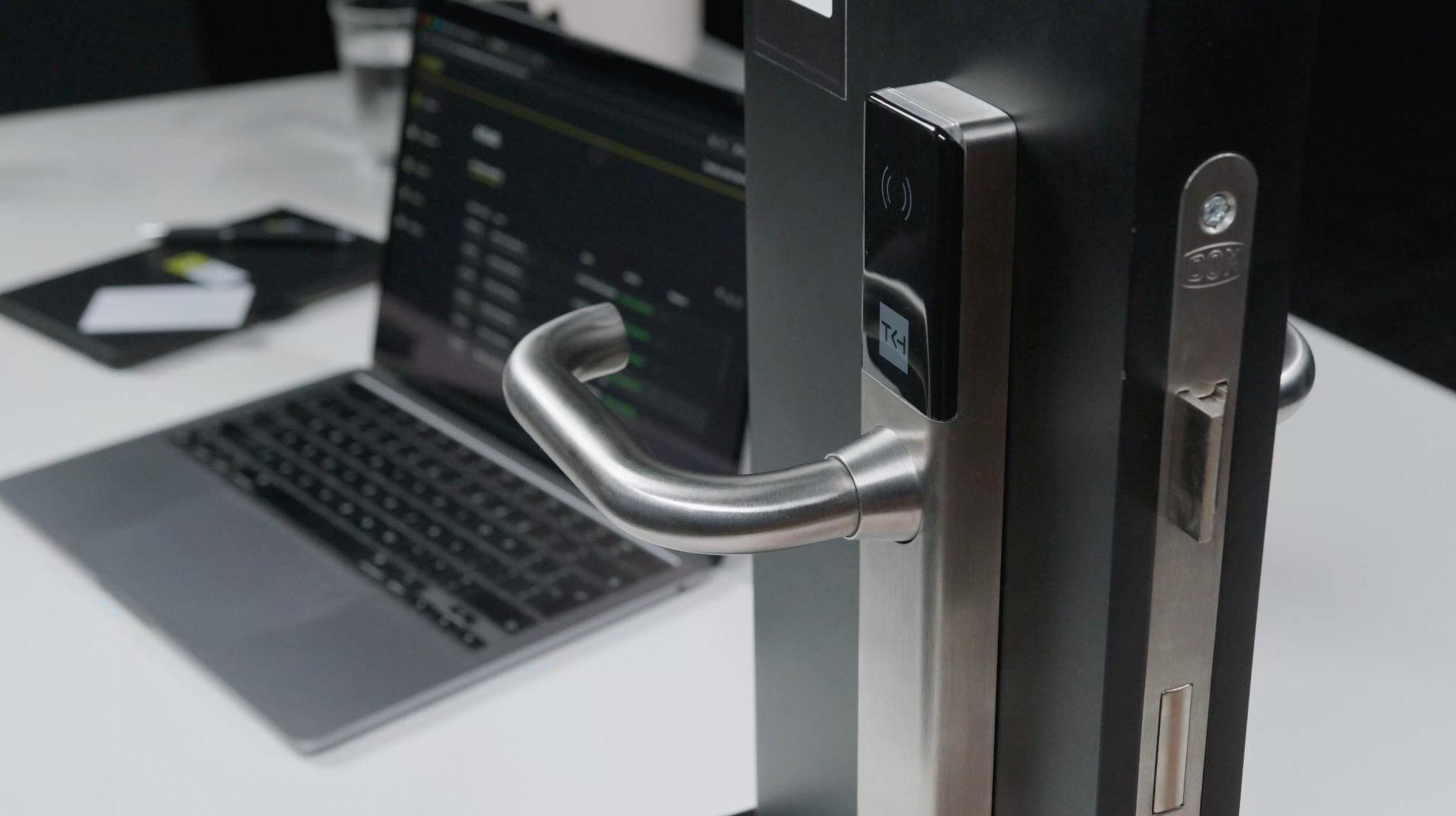
In partnership with German high-security lock producer DOM Security, we offer wireless locks, which are compatible with most doors. You don’t need any additional infrastructure. With ATLAS Configuration app, you can add, remove, and manage locks directly from your mobile device. The ATLAS Access app keeps all door statuses and updates in sync. It’s simple, efficient, and fully mobile.

01.
02. 03. 04. 05. 06.

Integration With Entra ID & Third-Party Software

One Source of Truth: Eliminate Mistakes and Boost Efficiency

Integration with ENTRA ID or other user management tools keeps access always up to date. When you add or remove users in ENTRA ID, the change happens instantly in ATLAS too. This ensures no one keeps access by mistake and saves you from doing the same work twice, making your system secure and efficient.

01.
02. 03. 04. 05. 06.

Transition to Smooth Digital Access

Mobile Is Your Digital Key

ATLAS enables you to unlock doors seamlessly without having to search for an app. Considering that the average smartphone has around 80 apps, this saves valuable time by simply activating the phone.

01.
02. 03. 04. 05. 06.

Digital Key Sharing

Effortless Access Sharing via Messaging Apps

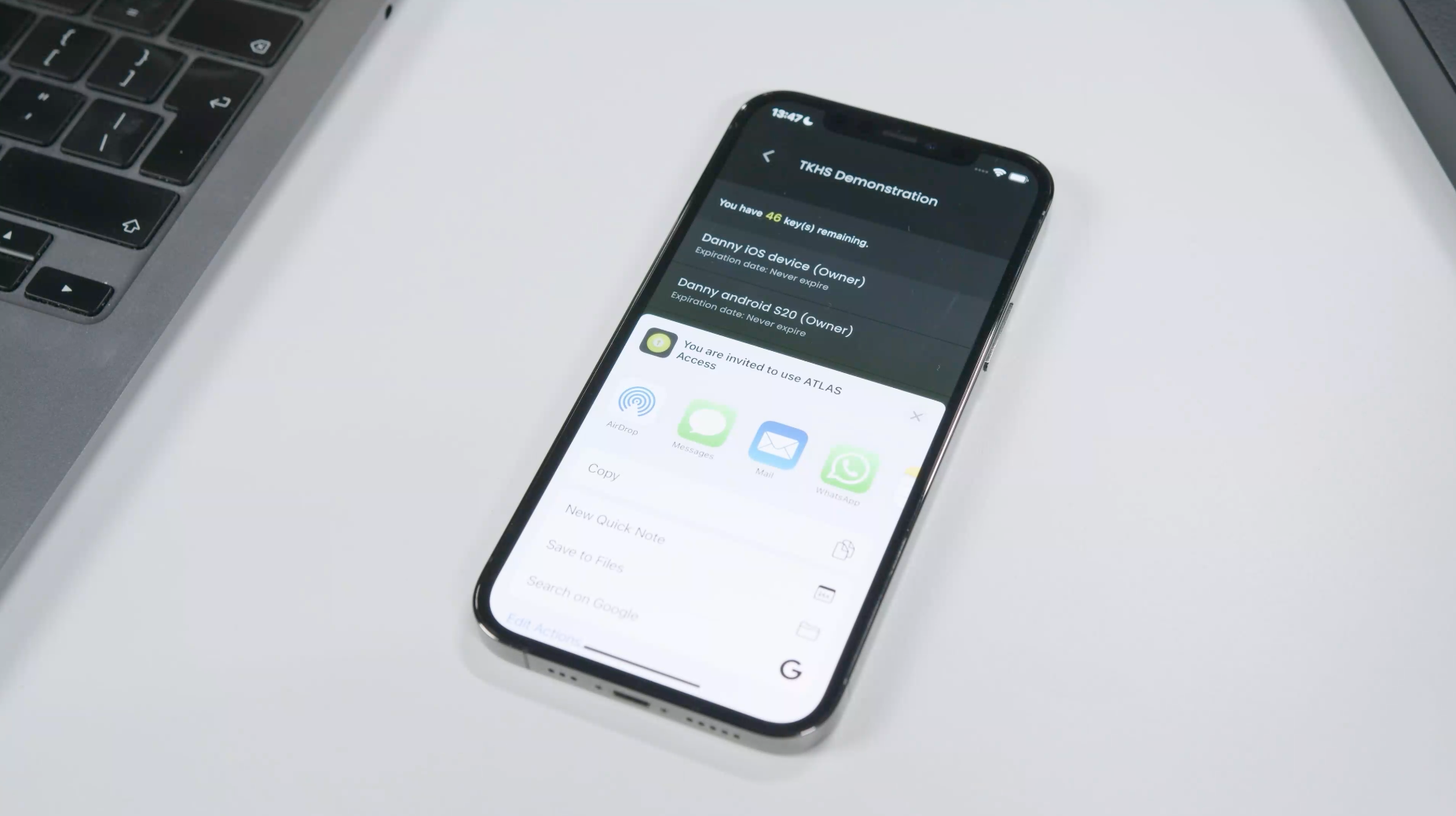
Sharing your digital key has never been easier. Share via ATLAS app, AirDrop, WhatsApp or any other messaging app in a matter of seconds.
As a facility manager, you can assign trusted owners who can share their access profiles with other employees. This is ideal if, for example, you have co-contractors on-site (like a cleaning company) or if you manage a multi-tenant building where different tenant managers are responsible for their employees.

01.
02. 03. 04. 05. 06.

Experience Our SaaS Access Control Free for 30 Days

Gain Access to Our Web-Based Portal

If you would like a demonstration, please indicate this in your response and discover what Digital Key Management really means!