
Articles – Access Control
Access Control as a Service (ACaaS): What It Is and Why It Matters
Buying access control used to mean a capital project: a server, controller cabinets in a riser, cabling to every door,...




Access control as a service (ACaaS) is a delivery model in which the software that manages who may open which door runs as a subscription service, hosted and maintained by the supplier, with only the door hardware installed on site. The customer pays periodically for the platform rather than buying and owning a system outright.
The abbreviation ACaaS follows the same pattern as SaaS, software as a service, and the analogy is exact rather than decorative. In both cases the application is operated by the vendor, reached through a browser, updated centrally, and paid for by subscription. What differs is that access control also has a physical layer, so ACaaS never removes hardware from the building entirely. Locks, readers, and credentials stay where they are.
Three things the customer stops owning are worth naming directly, because they account for most of the operational difference:
What remains is the part that has to be physical: the door hardware, the credentials people carry, and the decision about who is allowed through which door. ACaaS changes where that decision is recorded and administered, not what it is.
In physical security, access control means doors, locks, readers, and the credentials that open them. ACaaS in this sense is a building system: a cloud-hosted platform that holds permissions and schedules for physical entry points, whether those are perimeter doors, meeting rooms, stockrooms, risers, or individual server racks.
In IT, the same phrase covers access to files, applications, networks, and data. That field has its own vocabulary, including role-based access control (RBAC), attribute-based access control (ABAC), and access control lists (ACLs), and it is concerned with what an authenticated account may do inside a system rather than which door it may open.
The two are genuinely different disciplines, and a page about one is not much use to someone looking for the other. But they meet in a specific and increasingly common place: the identity directory.
When a physical access platform draws from the same directory that controls email and application logins, one administrative action updates both. Disabling a leaver's account removes their laptop login and their building access at the same time, with no second request to a second team. That convergence is the reason the two meanings of the phrase keep colliding, and it is also the strongest practical argument for cloud-hosted physical access control in an organization that already runs a cloud identity directory.
A hosted access control deployment has three parts: what stays in the building, what runs as an access control service, and how people and their permissions arrive in the system.
The door hardware, and in most cases very little else. Each controlled opening gets a lock or a reader. Higher-traffic entrances, such as a main entrance or a turnstile line, are typically mains-powered and permanently connected. Doors used less often are usually battery-powered wireless locks that hold their permissions locally and check in periodically rather than maintaining a live connection.
The consequence is the part worth stating plainly: no server room allocation, no controller cabinet in the riser, and in a wireless deployment no cable run to each individual door. That last point is what makes retrofit viable in an occupied building, because the work stops at the door leaf rather than running through ceilings and walls across a live floor. It is also why multi-site rollouts became practical for organizations without an on-site technical presence at every location.
The management platform holds permissions, user groups, time schedules, event history, and reporting, reached from a browser, with day-to-day actions and configuration also available from an app. This is the layer where cloud security access control questions belong, since it is where access data is stored and administered.
The operational difference customers notice first is smaller than it sounds and matters more than expected: updates arrive without a project. There is no version to plan a migration to, no compatibility matrix to check against a server operating system, and no window to book.
Two routes, and most deployments use both. Employees are synchronized from the organization's identity directory, commonly Microsoft Entra ID, so they appear when they join, change access when they change role, and lose it when they leave, with no parallel list to maintain. Everyone else, including contractors, cleaners, suppliers, and visitors, is created directly in the platform, usually with an expiry date attached from the start.
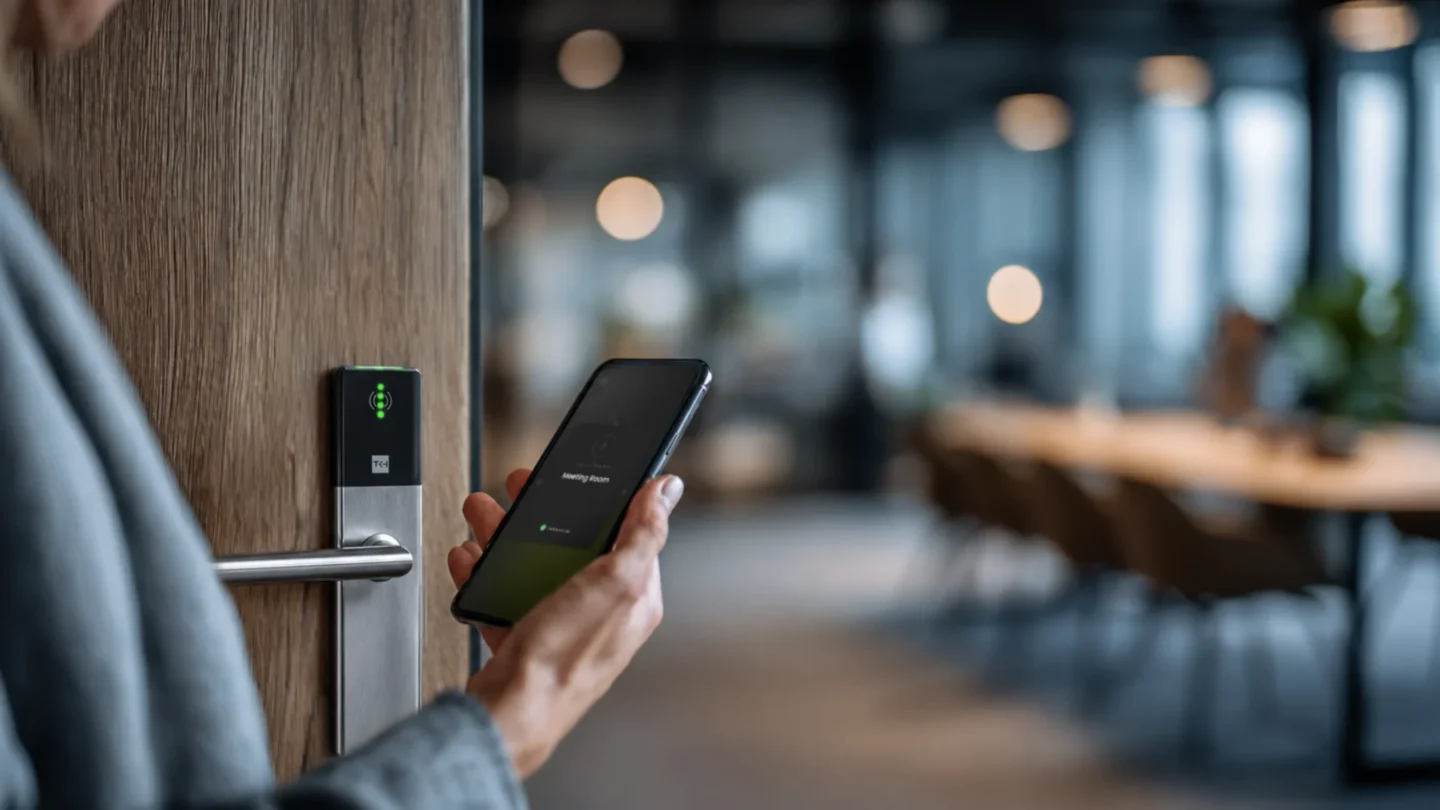
Visitors are the case that separates platforms, since they typically need access for a few hours and will not install an app to get it. Some platforms handle this with a temporary code issued in advance. ATLAS, for example, generates a QR code with a defined entry window that is delivered to the visitor's Apple or Android Wallet and read by Commend intercom post (which can be deployed independently to ATLAS) at the entrance, so the visitor arrives with access already in place and nothing to download.
Platforms in this category, including ATLAS Access, cloud-based access control, typically offer both native directory integration and a REST API for identity systems that are not supported natively.
ACaaS is usually described as a shift from CapEx to OpEx. That is true, but a budget conversation needs more detail than it gives. Three categories are more useful.
| Bought once | Paid periodically | No longer bought at all |
|---|---|---|
| Locks and readers per door | Platform subscription, typically priced per door, per user, or per site, with upport and updates included | Server hardware and its replacement cycle |
| Installation and commissioning labor | Replacement batteries for wireless locks | Server operating system and database licenses |
| Physical credentials, including any master or emergency cards | Physical credential replacement, where cards are still issued | Controller cabinets and their enclosures |
| Cabling for mains-connected readers at high-traffic doors | Extended event retention or archiving, where charged separately | Cabling to every door, in wireless deployments |
| Version upgrade projects and on-premise software maintenance |
Subscription access control is generally priced by a unit that scales with the estate rather than by a one-time license: per door, per user, or per site, sometimes with tiers that unlock additional capability. The unit matters more than the headline rate, because a building with many doors and few people prices very differently from one with few doors and high staff turnover, which makes the pricing unit the first thing to establish when comparing quotes.
The honest interpretation is this. Over five years, the total may not be lower than an owned system. What changes is the shape of the spend: it starts smaller, it is predictable, it absorbs upgrades that would otherwise arrive as unplanned capital requests, and it moves from a capital approval process to an operating budget line. For many organizations that reclassification is the real reason the model wins, not the arithmetic.
Three roles carry the consequences of this model, and they experience it differently.
Routine access changes stop being tickets. Granting a contractor entry to one door for one afternoon, issuing a credential to a new starter, or revoking access for someone who left becomes a task completed in a browser or an app in under a minute, rather than a request submitted to whoever holds the administration rights. This matters most for access that is needed immediately. You usually know about a new starter days in advance, so even a slow process works. A visitor waiting at reception, or an engineer called out for an urgent repair, needs access now, and that is exactly when waiting for someone else to act becomes a problem.
The trade-off is that the responsibility comes with the capability. When access administration is genuinely self-service, it is genuinely the facility team's job.
Nothing to patch, no database to back up, and no end-of-life server to budget for. In exchange, two new responsibilities appear. The first is supplier assessment. Access data now sits with a third party, and under GDPR the customer remains the controller while the supplier acts as processor, so the organization's own obligations stay where they are. This is standard for any cloud service and is handled through a data processing agreement, which sets out what the supplier may do with the data, where it is stored, and what happens when the contract ends. Reading that agreement is part of the assessment. The second is the identity integration. If synchronization stops working, nothing visibly breaks, but changes stop arriving, so a leaver keeps their access until someone notices. This is true of any system fed from a directory, though it is new to organizations whose old access control kept its own separate user list.
Less cabling, less commissioning, and considerably less time on site. Configuration moves to an app used at the door rather than a workstation in a plant room, and a lock can typically be brought into the system in well under a minute. Reduced infrastructure also means reduced installation cost, which changes what is economically viable to secure: doors that were never worth cabling become worth controlling.
What replaces the cabling is firmware and battery management across a distributed estate of wireless devices. That is a lighter burden than a controller network, but it does not disappear, and it is worth agreeing who owns it before handover.
Multi-tenant buildings sit firmly in the first column, and for a specific structural reason. A property manager can delegate day-to-day access administration to each tenant manager without granting them anything beyond their own space, and so is not handling every routine request for every occupier. That delegation is difficult to arrange when the system is a single owned installation with one administrative console.
The two columns are not permanent categories. Suppliers that offer both hosted and on-premise platforms can usually describe a migration path between them, which matters for organizations whose requirements are moving in one direction but have not arrived yet.
These eight questions are written to be lifted straight into a procurement document. Each one has a reason, and each has an answer that should arrive in writing rather than in a meeting.
Retention and export deserve particular attention where the organization has an audit obligation, since those two answers determine whether you can produce evidence when someone asks for it. In the EU, for example, NIS2 requires organizations in scope to take risk management measures covering physical security and access control, and to be able to demonstrate them, which makes retention periods and export routes a practical concern rather than a theoretical one.

The access control as a service market is growing for reasons that have little to do with access control itself and a lot to do with what changed around it.
Four drivers account for most of it. First, adjacent building systems moved to the cloud first, so video, building management, and visitor systems had already normalized the idea of a hosted platform before access followed. Second, hybrid working changed occupancy patterns, and a building where attendance varies day to day is harder to run on statically assigned permissions and physical keys. Third, staff turnover made card administration disproportionately expensive, because the cost of a credential is not the card but the labor of issuing, retrieving, and replacing it. Fourth, mobile access control removed the physical credential from the equation, and issuing or revoking a credential on someone's phone works most naturally from a platform that is reachable from anywhere, which is what a hosted service already is.
It describes a model in which the software that manages who may open which door runs as a hosted subscription, maintained by the supplier, with only the door hardware installed on site.
In physical security it means doors, locks, and readers delivered as a subscription. In IT, the same phrase covers access to files, applications, and networks. The two meet at the identity directory: when one directory serves both, disabling an account can close both the laptop and the front door.
Largely the same technology with a different emphasis. Cloud-based describes where the software runs; ACaaS describes how it is bought and who operates it. In practice most cloud access control is sold as a service, so the terms are often used interchangeably.
It depends on where the access decision is made, which is a property of the system rather than of the cloud. In most deployments the decision is made at the door or at a local controller from stored permissions, so people already authorized keep getting in and events upload once the connection returns. What does not work offline is anything that needs the platform in the moment, such as a remote unlock or a credential validated server-side, and any permission change made during the outage will not reach the door until it reconnects.
Under GDPR the customer is the controller and the supplier is the processor, which means the data remains the customer's and the supplier may only handle it under the terms of a data processing agreement. The questions that matter in practice are the retention period, the storage region, and the export format, all covered in the vendor questions above.
Not automatically, and it is worth being honest about that. It starts smaller and runs predictably, and it removes server, cabinet, and upgrade costs entirely. Over five years the total may be similar. What reliably changes is the shape of the spend rather than its size.
Buying access control used to mean a capital project: a server, controller cabinets in a riser, cabling to every door,...
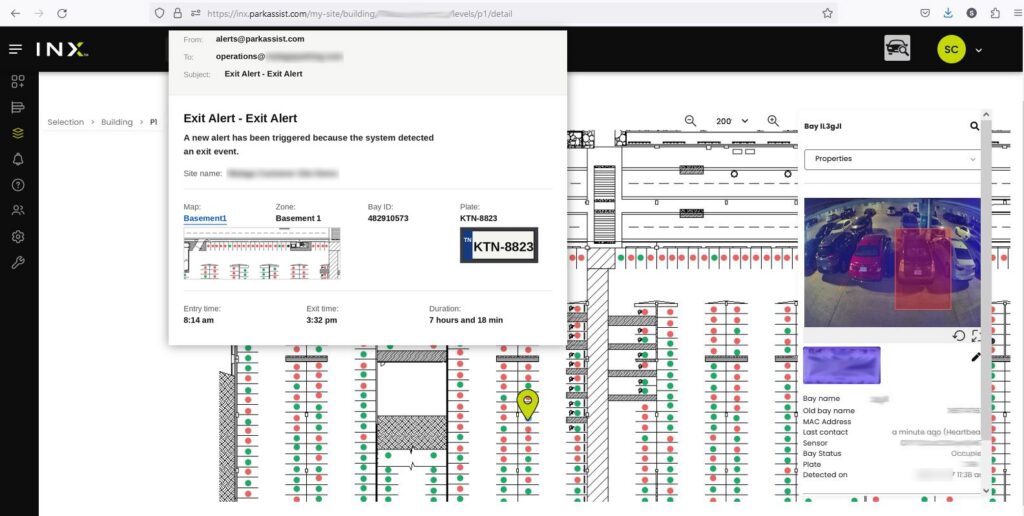
Healthcare facilities have always been places of healing, compassion, and care. Yet in recent years, conversations...
A major milestone has been reached at Detroit Metropolitan Wayne County Airport (DTW), where the new Park Assist...