Sectors
Sectors
Airports
Corporate and Commercial
Retail
Sports and Entertainment
Telecom and Energy
Telecom and Energy
Transport and Infrastructure
Systems
Systems
Security Management
Security Management
FLINQ Security Management System
VDG SENSE Video Management System
IPROTECT Access Control System
ATLAS Access System
PARK ASSIST Parking Guidance
Asset & Site Management
APOLLO Asset & Site Management System

FLINQ Security Management System

Our platform and applications collect and correlate events from diverse security devices and systems, empowering personnel to proactively resolve events.

02.

Main Functionalities

Autonomous security systems like fire detection, intrusion detection, access control, intercom, and video management lack standardization, making data interpretation and validation difficult.

The Solution

FLINQ integrates various systems, accommodating supplier-specific protocols and technical limitations such as:

  • Intrusion detection
  • Fire detection
  • Intercom
  • Video management
  • Access control
  • Parking management
  • Building management
  • Incident management

How can I leverage integration functionalities in my facility? 

Integration functionalities bring together crucial information exchanges that assist with seamless monitoring possibilities.

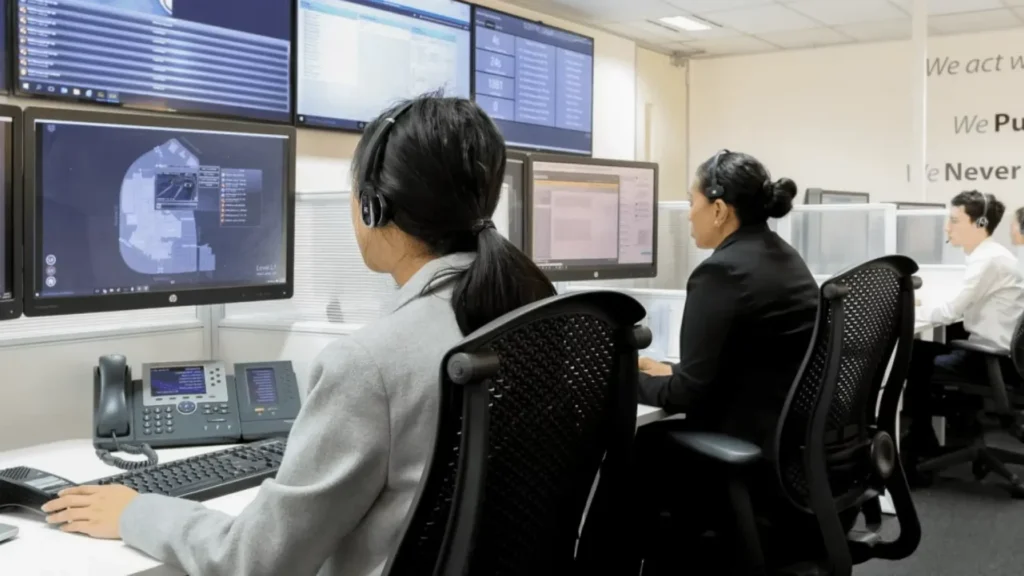
In setups with multiple cameras, video walls are commonly used for live footage in general surveillance. However, the static nature of video walls can limit their effectiveness.

The Solution

FLINQ controls videowalls to display relevant layouts based on scenarios like day, night, weekends, and incidents. These layouts are stored in the video management system and can be activated automatically or by operators.

Why use Videowall control?

  • Videowall becomes dynamic and more useful.
  • Automatically supports you with relevant, preconfigured video
    for focus on primary operational tasks.
  • The usage of the videowall becomes unified, and standardized.

Prompt attention is vital for events and alarms from connected security systems like intercom, video, or access control, especially in complex setups with multiple autonomous systems and buildings.

The Solution

Our solution offers an event viewer for prioritized notifications of events and alarms. You can select and process events, documenting them with predefined “reasons” and free texts for important information.

Why use Events Handling for my facility?

  • Create a uniform and prioritized presentation for all events irrespective of nature or source.
  • Organize the event processing of multi-sites with multiple operators.
  • Keep track and log all actions of connected systems and operators.
  • Standardization of operational steps.

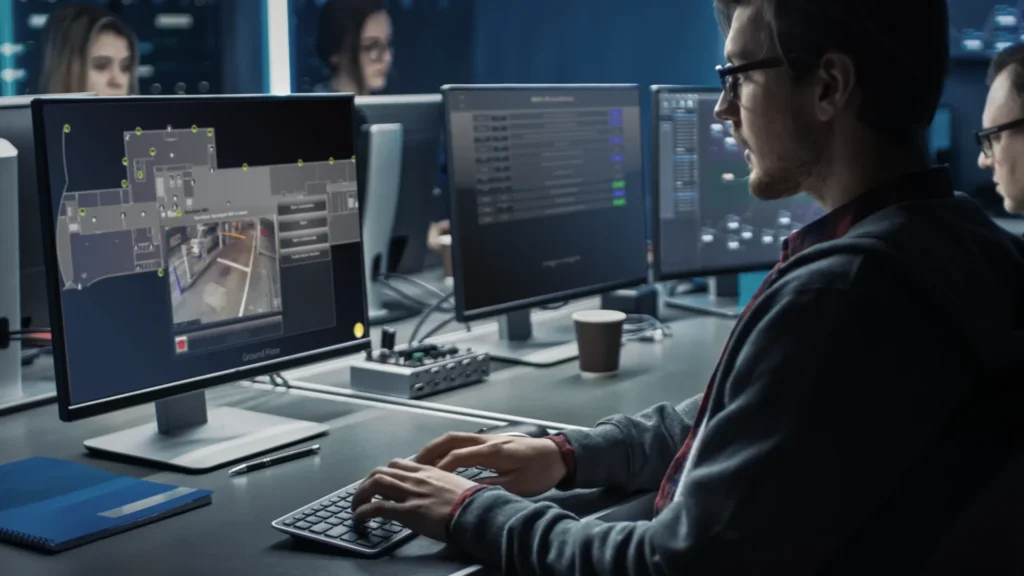
Operators in visually oriented setups may prefer a map representation for their system layout. In busy environments, it’s important to quickly locate alarm origins and have convenient access to action buttons and details with a simple mouse click.

The Solution

Instantly showing the location and identification of an event in custom made maps based on digital plans allows you to feel comfortably assisted and showcases many other impressive functions such as:

  • Digital drawings that can be converted to uniform maps like floor plans.
  • Floor plans that contain dynamic icons and automatic links.
  • Floor plans that can be provided in layers, so that certain types of “devices” can be hidden or shown.
  • Navigation that can be easily done by configurable buttons (e.g., to activate maps of floors, buildings, and locations) also including the use of a “mini map”.
  • Floor plans can be freely linked for logical navigation and include zoom functions.

Why Maps for my facility?

Maps are highly effective for operators, providing an overview, ease of use, and quick event reference. They enable device control and detailed exploration with minimal training and disruption.

In complex operational setups with multiple security systems and buildings, understanding and responding to events becomes challenging.

The Solution

Business Rules are crucial algorithms that combine connected system data for prompt action. This avoids overwhelming attention to every signal, reducing stress. FLINQ automatically determines the priority and starts your user workflow enabling you to load presets and control commands to connected systems.

How can Business Rules benefit my facility?

Avoid unnecessary mistakes while being presented with the most essential information and decisions that need to be made, for example:

  • Procedures to follow.
  • Instructions from a foreign connected system.
  • Displaying accurate live video footage and steering to specific layouts
    on the videowall.
  • Alarms verification, where information from multiple systems is evaluated to assess the situation and determine appropriate actions.
  • Apply preconfigured scenarios.

Comprehensive reporting is required for various needs such as auditing, workload analysis, desk occupation, cause-and-effect analysis, and training.

The Solution

The tool provides logging of all actions, events and changes in FLINQ including:

  • Logging of alarms.
  • Logging of sabotage and fault reports.
  • Possibility to generate and export historical chronological overviews.
  • Malfunction reports from the central equipment of the security installations.
  • Generating and exporting annual trend analysis.

Benefits of Reporting for my facility

Reporting offers essential, real-time insights into facility operations, allowing continuous monitoring of processes and the proactive detection of potential issues.

Do you want to know more about our Security Management System?